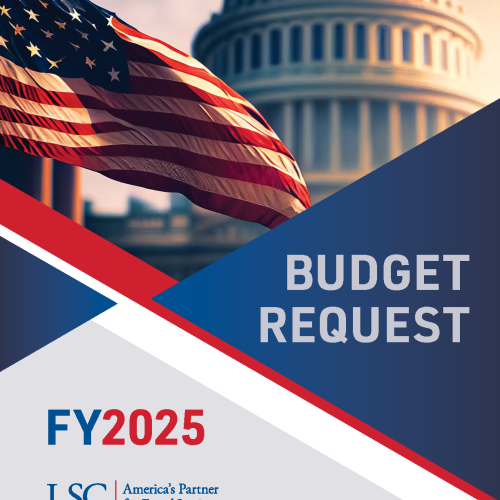
LSC requests $1.797 billion for FY 2025, an increase of $216 million over LSC’s FY 2024 budget request. This recommendation considers the sustained impact of COVID-19 and the drastic increase in child poverty experienced in 2022. Evictions continue to rise – returning to or exceeding historical averages. Debt collection and related consumer finance complaints have reached record highs. Without a significant additional investment in civil legal aid, the justice gap will only continue to grow.
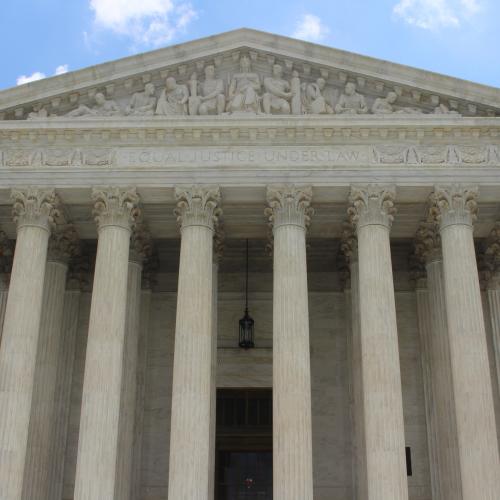
Military service members dedicate their lives to defending America’s people, freedoms, and way of life. Once they return home and leave active duty, they often face legal issues that create barriers to a successful transition to civilian life. Civil legal problems — from threatened evictions to other-than-honorable discharges from the military — are often the greatest obstacles to a veteran’s health, housing, and stability.

LSC promotes equal access to justice by providing funding to 131 independent non-profit legal aid programs in every state, the District of Columbia, and U.S. Territories.

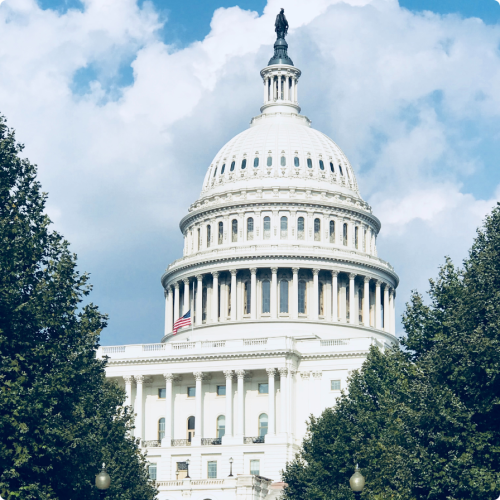
If you are looking for help with a civil legal problem, enter an address or city below to find an LSC-funded legal aid organization near you.
You can also visit LawHelp.org to look up information about your legal questions and find free legal forms.

Learn More About LSC
-
Why was LSC created?
-
What is legal aid?
-
Does LSC provide legal aid?
-
What kinds of grants does LSC offer?
-
Where can I find information on legal aid organizations in my area?
Under the Sixth Amendment, Americans are only guaranteed legal assistance for criminal matters. LSC was created to financially support legal aid organizations who assist with civil matters.
Established in 1974, LSC operates as an independent 501(c)(3) nonprofit corporation that promotes equal access to justice and provides grants for high-quality civil legal assistance to low-income Americans.
LSC-funded programs help people who live in households with annual incomes at or below 125% of the federal poverty guidelines – in 2021, that is $16,100 for an individual, $33,125 for a family of four. Clients come from every ethnic and age group and live in rural, suburban, and urban areas.
They are the working poor, veterans, homeowners and renters, families with children, farmers, people with disabilities, and the elderly. Women - many of whom are struggling to keep their children safe and their families together - comprise 70% of clients.
LSC is a grant-making organization, distributing nearly 94% of its federal appropriation to eligible nonprofit organizations delivering civil legal aid. LSC awards grants through a competitive process and currently funds 131 independent legal aid organizations. With nearly 852 offices nationwide, these organizations serve thousands of low-income individuals, children, families, seniors, and veterans in every congressional district.
LSC grantees handle the basic civil legal needs of the poor, addressing matters involving safety, subsistence, and family stability. Most legal aid practices are focused on family law, including domestic violence and child support and custody, and on housing matters, including evictions and foreclosures.
LSC promotes equal access to justice by awarding grants to legal services providers through a competitive grants process.
We award grants targeted towards technology initiatives, pro bono innovations, as well as many others.
Legal Services Corporation currently provides funding to 131 independent nonprofit legal aid organizations in every state, the District of Columbia, and U.S. Territories.
To find an LSC-funded legal aid organization near you, simply enter an address or city at the link below.

Fiscal Year 2025 Budget Request
LSC requests $1.797 billion for FY 2025, an increase of $216 million over LSC’s FY 2024 budget request. This recommendation considers the sustained impact of COVID-19 and the drastic increase in child poverty experienced in 2022. We know that more than 33% of unmet legal needs are directly related to COVID-19 and others have been exacerbated by the pandemic. We also know child poverty more than doubled from 5.2% in 2021 to more than 12.4% in 2022. Evictions continue to rise – returning to or exceeding historical averages. Debt collection and related consumer finance complaints have reached record highs. Without a significant additional investment in civil legal aid, the justice gap will only continue to grow.


Justice Gap
The Legal Services Corporation (LSC) contracted with NORC at the University of Chicago to help measure the justice gap among low-income Americans in 2022. LSC defines the justice gap as the difference between the civil legal needs of low-income Americans and the resources available to meet those needs.